
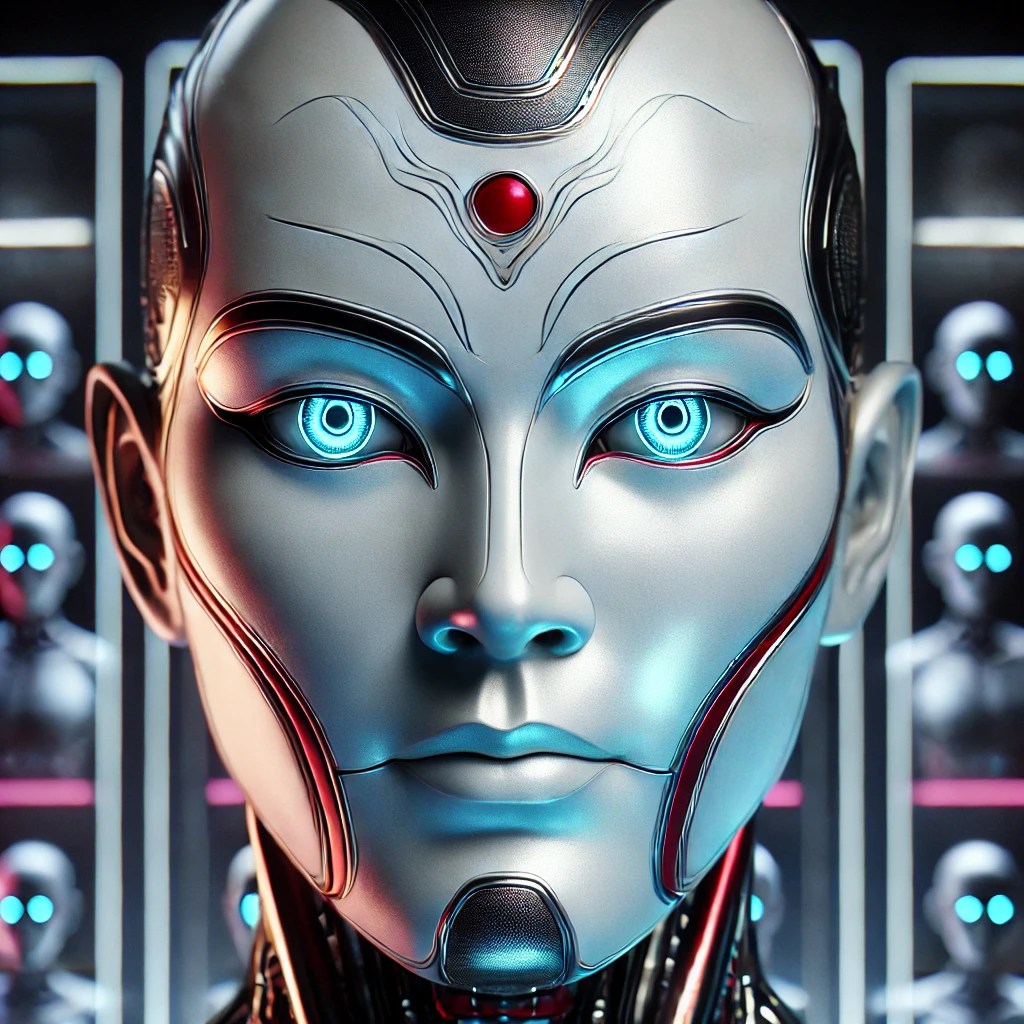
Today’s post builds on my last two which showed the steps I took towards building a Chat API (which I call the Roboto API) using an OpenAI GPT-4 model and Retrieval Augmented Generation. If you have not had a chance to read it, please take a look at Part 1 and Part 2.
Once I had the Roboto Chat API responding to a single message, I went about building a React Frontend to interact with the API. Having a working UI helped me test the API much better especially when trying different follow up prompts and then getting the UI responding interactively.
I first generated the main Chat frontend (I called this project the Roboto UI) using Vercel V0,where I was able to put together a complete and working React interface in a fraction of the time it would have taken me by hand. I used the following 3 prompts in Vercel:
- I would like to create a basic chat bot ui
- can you add preselected prompts
- I dont want to scroll right for the preselected prompts
That’s it! It then produced code for the following screen:

After moving the code into Cursor AI, I made some modifications to the interface and wired up the Roboto Chat API using the following code:
import { API_BASE_URL } from "@/app/config/settings"

export async function POST(request: Request) {
  const body = await request.json()

  const response = await fetch(`${API_BASE_URL}/api/Chat`, {
    method: 'POST',
    headers: {
      'Content-Type': 'application/json',
    },
    body: JSON.stringify(body)
  })

  const data = await response.json()
  return Response.json(data)
}
Inside main React page (page.tsx) of the Roboto UI app we first configure the messages variable using React’s useState hook:
const [messages, setMessages] = useState<Array<{ id: string; role: 'user' | 'assistant'; content: string }>>([])
And then we populate the messages array with the response received from the Roboto API
      const data = await response.json()

      setMessages(prev => [...prev, {
        id: (Date.now() + 1).toString(),
        role: 'assistant',
        content: data.response
      }])
    } catch (error) {
      console.error('Error:', error)
    } finally {
      setIsLoading(false)
      setInput('')
    }
Once the messages list is populated, the following code (generated by Vercel V0 from my prompts earlier), renders 3 react components a CardHeader, CardContent and ChatMessage, all inside the main Card component.

We then iterate through the messages list and pass the content (which at this point contains the Roboto Chat API‘s response) to the ChatMessages component through its props. To give the interface a bit more of a Chat GPT feel, I got Cursor to add in a TypewriterText component which gets called inside the ChatMessage component.
Here’s what the final version of the Mr Roboto Chatbot looks like:

Lets take a look at how Mr Roboto engages in conversation in the following video:
The full code for the Roboto UI can be found here: https://github.com/ShashenMudaly/RobotoChatProject/tree/master/roboto-ui
Final Thoughts
Developing the Chat API and integrating it with a Chat UI provided invaluable insights into the practical applications of language models, demonstrating how they can address challenges in ways beyond traditional logic-driven coding. This project not only improved my understanding of React but also highlighted the value of rapid prototyping with Vercel. There are few more ideas I’m hoping to explore in the coming weeks, so I’m going to get back to coding those up!
Before I go, here’s the track that keeps with today’s theme of talking Robots:
Styx, one of rock’s most innovative bands, captured the imagination of a generation with the 1983 hit “Mr. Roboto” from their album Kilroy Was Here. Blending theatrical storytelling with futuristic themes, the song quickly became a cultural phenomenon, resonating with fans worldwide and sparking conversations about technology, identity, and human interaction. Its catchy synth riffs and memorable lyrics helped cement its status as an enduring pop culture icon, influencing countless artists and shaping discussions about the intersection of art and technology. Notably, its impact was further solidified when it was featured on an episode of Glee, introducing the classic to a whole new audience – Source ChatGPT

 HeadPhone Coder